How to play
- Press Start Game.
- Tap the game (or press Space or Enter) to start the stopwatch.
- Tap again when you think exactly 10 seconds have passed. The watch shows your time and how far off you were.
- The display freezes over partway through each try, and sooner every time. Keep counting in your head.
- Five tries make a round. Your score is the total, out of 5000.
TaporSpaceEnter
PauseorEscP
Tips
- Use the first try, while the display is clear, to get a feel for one second.
- Counting "one thousand, two thousand" in your head is steadier than watching the penguin.
- Most people stop a little early. If your first tries are early, wait a moment longer.
- There is no ticking sound on purpose: the beat would give the time away.
- Within one hundredth of a second counts as a perfect ten.
About Perfect Ten
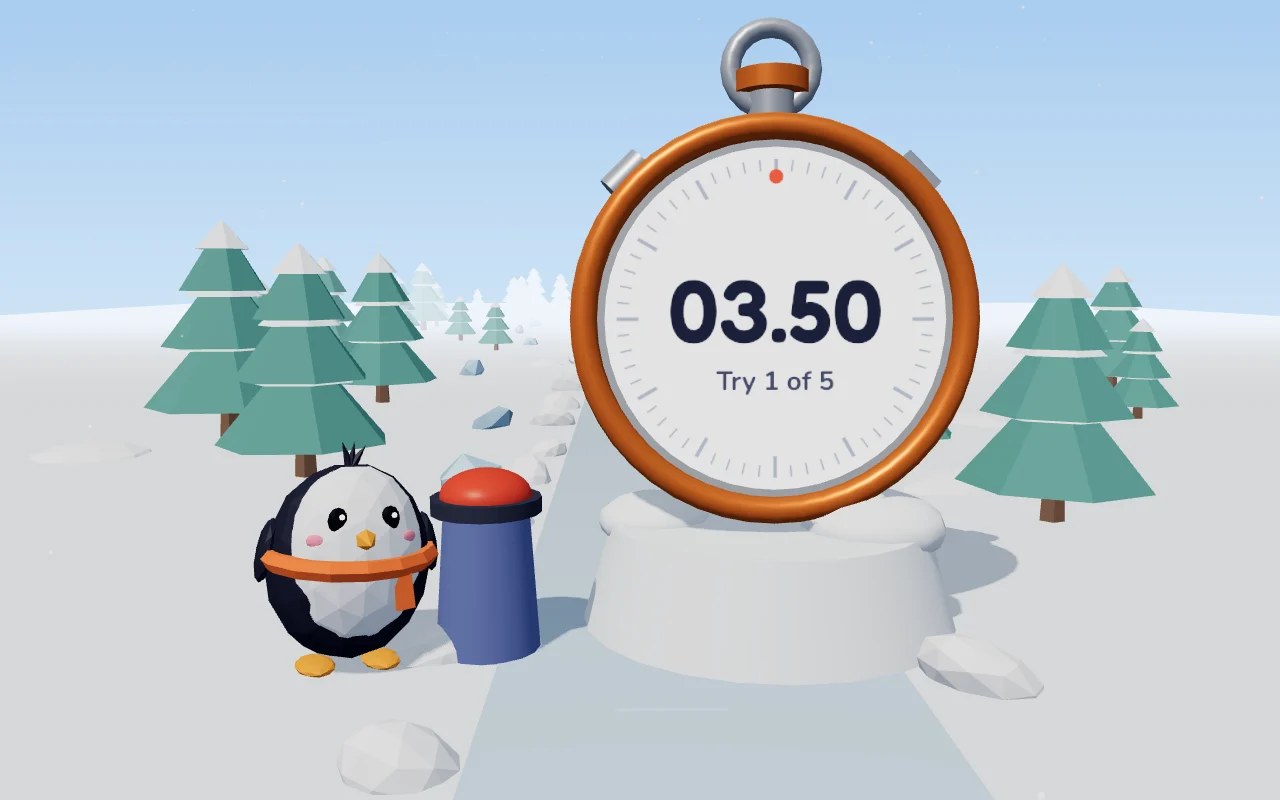
Perfect Ten is a test of the clock in your head. A penguin has a big red button and a giant stopwatch, and your job is to stop the watch at exactly 10 seconds.
You get five tries. On the first one you can watch the seconds for a while before the face freezes over with frost. Every try it freezes sooner, and on the last one it is frozen from the very start. Each try scores 1000 points, minus one point for every millisecond you are off.
Questions
Is Perfect Ten free?
Yes. It runs in your browser with no account, download or app.
How accurate is the timing?
The time is taken from the moment of your tap, to the millisecond, not from the screen refreshing.
What happens if I switch tabs mid-try?
That try does not count and you start it again, so a phone call never ruins a round.